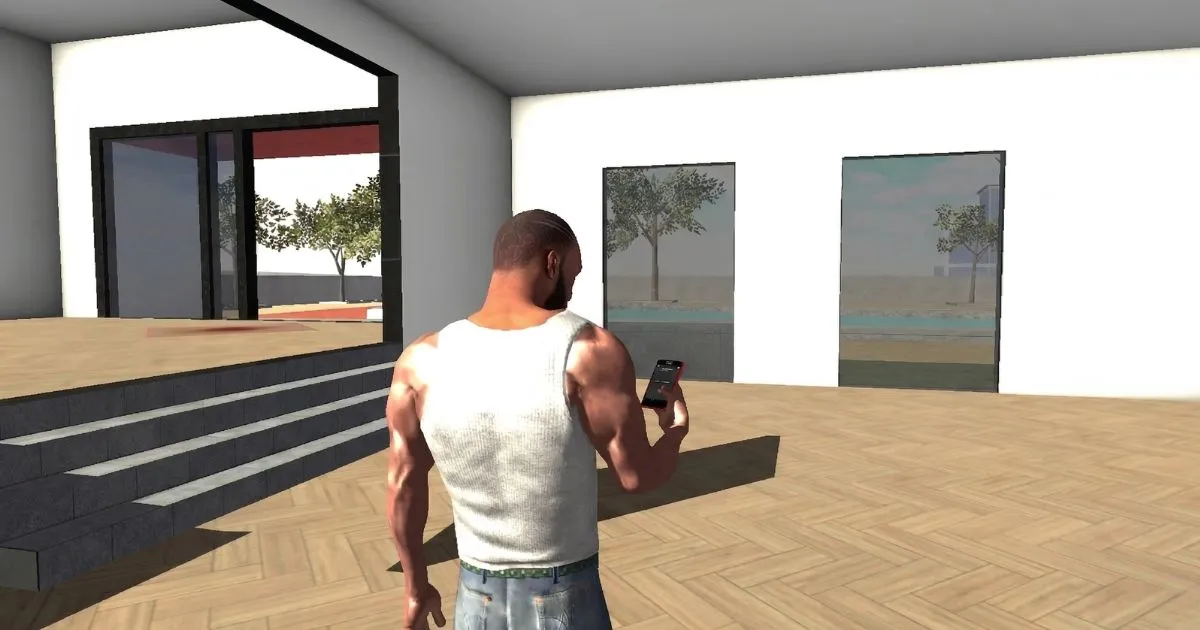
Indian Bike Driving 3D is one of the most popular mobile games in India right now, and for good reason. It gives you a rich open-world city to explore, dozens of bikes and vehicles to unlock, and a feature code system that keeps adding fresh content. If you are picking up the game for the first time, this guide will walk you through everything you need to know — from installing the game and understanding the controls, to completing your first missions and using feature codes correctly.
Step 1 — Download and Install Indian Bike Driving 3D
Indian Bike Driving 3D is available on the Google Play Store for Android devices. Search for the game by name or look for the developer Astral Edge Studios. The game is free to download and requires a reasonably modern Android device to run smoothly. Once installed, open the game and allow it to complete any initial loading or update process before you start playing.
The game file size is moderate, so make sure you have enough storage space before downloading. A Wi-Fi connection is recommended for the initial download to avoid using your mobile data. Once the game is installed, it can be played offline for most activities, though some features may require an internet connection.
Step 2 — Understanding the Main Screen
When you first launch Indian Bike Driving 3D, you will land on the main game screen showing your character on a bike in the city. Before you start riding, take a moment to understand the interface. The screen shows several important elements that you will use constantly throughout the game.
At the bottom of the screen you will find the main control buttons — throttle on the right, brake on the left, and turn buttons in between. At the top of the screen you will see your current speed, a minimap showing your location in the city, and mission or objective indicators when a task is active. The phone icon at the bottom left is one of the most important parts of the interface — this is where you enter feature codes to unlock vehicles, animals, effects, and more.
Spend a few minutes just looking at the menus before your first ride. The settings menu lets you adjust control sensitivity, graphics quality, and sound levels. Finding the right control sensitivity setting early on will make a significant difference to your riding experience, especially if you are using tilt controls.
Step 3 — Your First Ride
For your first session, forget about missions and objectives entirely. Just ride. The goal of your first ride is to get comfortable with how the bike handles — how it accelerates, how it turns, and how it brakes. Indian Bike Driving 3D has a realistic enough physics model that you need to brake before corners, not in the middle of them.
Start on quieter roads near the edges of the map where traffic is lighter. Practice accelerating smoothly and braking to a controlled stop. Try both left and right turns at various speeds to understand how the bike leans and responds. Pay attention to how different road surfaces affect your grip and handling.
Once you feel stable on straight roads, move into the busier city center and practice weaving through traffic. This is a core skill in Indian Bike Driving 3D — reading the flow of NPC vehicles around you and finding gaps to pass through. Do not worry about speed in your first session. Smoothness and control matter far more than going fast.
Step 4 — Your First Feature Code
One of the best things about Indian Bike Driving 3D is the built-in feature code system. These codes let you unlock additional vehicles, spawn animals, change the environment, and activate special effects. Using your first feature code early in the game shows you how the system works and gives you access to more content right away.
To enter a feature code, tap the phone icon at the bottom left of the screen. From the phone menu, tap the green handset icon in the middle. This opens your contacts list. At the bottom left of the contacts screen, tap the icon showing nine orange circles — this opens the dial pad. Now type in any code from our feature codes page and press the call or confirm button. The feature will activate immediately.
A great first code to try is 1211 which spawns the Pulsar motorcycle — a fast, stable bike that is much more capable than the starting vehicle. Try also 9129 for Infinity Health, which removes damage so you can explore the map without worrying about crashing. These two codes together give you an excellent foundation for your early game sessions.
Step 5 — Starting Your First Mission
Once you are comfortable with the controls and have explored the map a little, it is time to try your first mission. Access the mission menu and look for beginner-level tasks — these are typically delivery missions or checkpoint races that introduce you to the mission format without being too punishing on time limits.
Before starting a mission, check the route on the minimap and plan a rough path in your head. Knowing roughly where you are going before the timer starts puts you in a much better position than reacting to GPS prompts while also managing traffic. Accept the mission, follow the route marker, and focus on reaching the destination without major collisions — collisions lose you time and in some missions can fail the objective entirely.
Do not be discouraged if you fail your first few missions. The game has a generous retry system and failing a mission teaches you more about its layout and requirements than reading a guide ever could. Each retry will feel noticeably easier as you internalize the route.
Beginner Tips to Remember
Here are the most important things to keep in mind as a new player. First, always brake before corners — braking mid-corner causes the bike to lose grip and slide wide. Second, use the minimap constantly to anticipate upcoming turns and traffic buildup ahead. Third, explore the full map early so you develop a mental picture of the city layout, which pays off enormously during timed missions. Fourth, experiment with different feature codes regularly — the game has a huge variety of vehicles and effects to discover, and using them keeps the experience fresh. Fifth, adjust your control sensitivity in settings if you find steering too sharp or too slow — this single adjustment makes more difference than any tip or trick.
What to Do After Your First Hour
After your first hour of play, you should have a basic feel for the controls, at least one feature code tried, and at least one mission completed. From here, the best next step is to focus on one area of the game that interests you most. If you enjoy exploring, spend time discovering hidden corners of the map and trying different vehicle types. If you enjoy the mission structure, start working through the available mission categories systematically. If you enjoy the feature code system, check our full feature codes list and start experimenting with the full range of bikes, cars, animals, and effects available.
Indian Bike Driving 3D rewards players who take their time with it. The game has far more depth than it first appears, and the more you explore its systems, the more enjoyable it becomes. This guide site exists specifically to help you get the most out of every part of the game — check our other guides for more detailed coverage of controls, missions, and advanced techniques.
Frequently Asked Questions
How do I enter feature codes in Indian Bike Driving 3D?
Tap the phone icon at the bottom left of the game screen, then tap the green handset icon, then tap the dial pad icon (nine orange circles). Enter the code using the dial pad and press call to activate it. See our complete feature codes list for all available codes.
What is the best starting bike in Indian Bike Driving 3D?
The default starting bike is stable and forgiving, which makes it ideal for learning the controls. Once you are comfortable, use feature code 1211 to unlock the Pulsar for better speed, or 7000 for the Hayabusa if you want maximum performance.
Can I play Indian Bike Driving 3D offline?
Yes, most of the core gameplay in Indian Bike Driving 3D can be played offline. However, some features or updates may require an internet connection. The feature code system works offline once the game is fully loaded.
How do I unlock more vehicles without feature codes?
Some vehicles are available through normal gameplay progression as you complete missions and earn in-game currency. However, feature codes are the fastest and easiest way to access the full vehicle roster, including bikes, cars, helicopters, and special vehicles.
Is Indian Bike Driving 3D available on iOS?
Indian Bike Driving 3D is primarily an Android game available on the Google Play Store. iOS availability varies — check the Apple App Store for the current status in your region.